

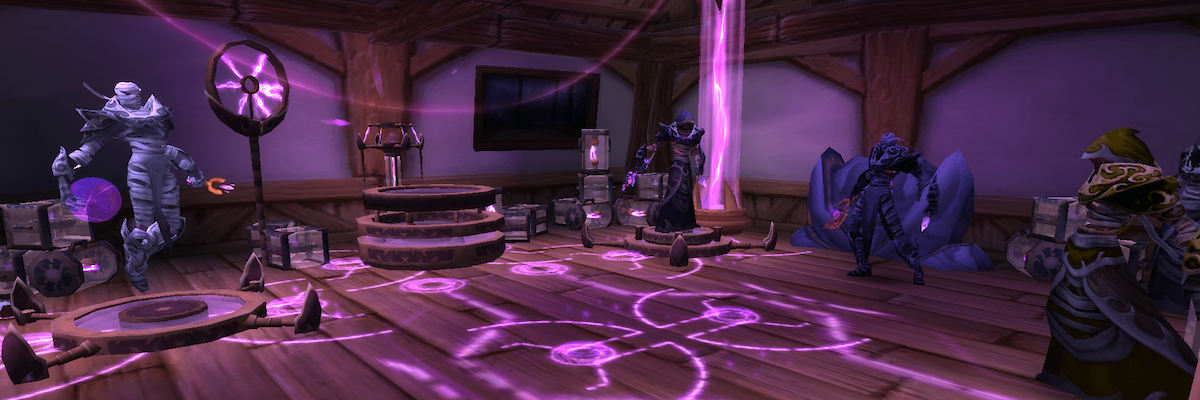
Transmogrification system
What is transmog?
Transmogrification is an opportunity to change the appearance of your equipment, giving it the appearance of other equipment that you received during the game. You can choose entire sets of equipment, as well as only certain items or weapons, and thanks to the new system, it has become much more convenient and interesting to do this.
And if you are looking for various rare items for transmogrification, then we recommend that you take a look at our special section, in which we regularly publish the most interesting and rare transmogs and tell you how to get them.
Outfit slots
Now you have the opportunity to create ready-made sets of equipment that will be automatically applied to your character, even if you have changed an item that was previously transmogrified. Your image will no longer change to a freshly dressed piece of equipment and will always match the active kit if you specified the appropriate setting when creating the kit.

Initially, it will be open to you 2 free cells. In total, you can open up to 50 There are no sets of cells, but each subsequent open cell, starting with the third one, will cost more than the previous one. Below we have listed the exact cost of opening all 50 cells.
| Cell | Price |
|---|---|
| 1 | 0 |
| 2 | 0 |
| 3 | 100 |
| 4 | 200 |
| 5 | 350 |
| 6 | 500 |
| 7 | 1.000 |
| 8 | 2.000 |
| 9 | 3.500 |
| 10 | 5.000 |
| 11 | 10.000 |
| 12 | 10.000 |
| 13 | 10.000 |
| 14 | 10.000 |
| 15 | 10.000 |
| 16 | 20.000 |
| 17 | 20.000 |
| 18 | 20.000 |
| 19 | 20.000 |
| 20 | 20.000 |
| 21 | 35.000 |
| 22 | 35.000 |
| 23 | 35.000 |
| 24 | 35.000 |
| 25 | 35.000 |
| 26 | 35.000 |
| 27 | 35.000 |
| 28 | 35.000 |
| 29 | 35.000 |
| 30 | 35.000 |
| 31 | 50.000 |
| 32 | 50.000 |
| 33 | 50.000 |
| 34 | 50.000 |
| 35 | 50.000 |
| 36 | 50.000 |
| 37 | 50.000 |
| 38 | 50.000 |
| 39 | 50.000 |
| 40 | 50.000 |
| 41 | 100.000 |
| 42 | 100.000 |
| 43 | 100.000 |
| 44 | 100.000 |
| 45 | 100.000 |
| 46 | 100.000 |
| 47 | 100.000 |
| 48 | 100.000 |
| 49 | 100.000 |
| 50 | 100.000 |
In total, 2,012,650 gold will be required to open all the cells.
Items
In this section you will find all the elements available to you for transmogrification. Just select the cell on the left. After that, in the right window, you will see all the items you have for this cell and select the one you like.
In the same section, you can set for each cell the possibility of automatic transmogrification when changing an item in this cell.
To do this, after selecting the desired item and appearance for it, click on the Ignore cell button. Now, if you change the subject's clothes, the appearance will not change and will remain the one you set initially.

Sets
In the Sets tab, you will find all the transmog kits you have collected. In this section you will be able to see only complete sets, without weapons or individual items. Having selected a ready-made set, he will immediately apply transmogrification to all available cells and you will not have to select each of them manually.
You can also see in this section the kits that you have started to assemble, but have not yet assembled them completely, which can be disabled in the kits filter window.

Situations
A new transmog display system has been added in the Midnight expansion. Now you can not only create kits for different events in the game, but also set up their automatic change depending on where you are now. Your appearance will automatically change to the preset one if you are on a raid, in a dungeon, or standing in a city doing a craft. You no longer need to use special NPCs to change your appearance. It is enough to set up the kits once, selecting the necessary situations, and everything will happen automatically.
In total, you will be offered 9 game zones, 4 types of movement and the ability to customize a set for a specific specialization.
Game zones
- Recreation area
- House
- Character Selection
- Open world
- Delves
- Dungeons
- Raids
- Arenas
- Battlegrounds

Movement
- Unmaunted
- Swimming
- Ground mount
- Flying mount

Specializations
Here you can customize the display of the kit when switching to another specialization and set your own appearance for each one.

Useful things
- If you receive an item that does not match your class (for example, if you receive plate armor as a druid), it will still be added to the list of available transmogrifications. Now it doesn't matter what class you get the item, which makes mining transmog from old raids and dungeons even easier.
This change does not apply to specialized and legendary class weapons. For example, Blades of Azzinoth can still only be obtained by those classes who can wear them.
When you collect or receive a set of equipment, you will unlock all other sets of this set at a lower level. For example, after receiving the full Mythic set, you will also unlock the Heroic, Normal and Looking for a Raid. The same applies to rare weapons. For example, by obtaining the red Enslaved Scythe from the Mythic mode, you will also unlock the blue one from the Heroic raid.
The appearance of the weapon is not tied to a specific type of weapon. It is linked to your class, so you can turn a two-handed sword into a two-handed pole weapon, a dagger into a one-handed sword, and a shield into a left-handed item. Small arms can also be changed, for example, a bow to a crossbow or a crossbow to a rifle.
In the collections section (Shift+P), you can find all the transmogrification kits and items in the game, as well as see where you can get them from.
In the items section, you can find individual items of equipment and weapons.

In the kits section, you can see all existing collections and equipment sets.

- The cost of the transmogrification service has increased significantly and amounts to several thousand gold. But it's important to remember that now you don't have to use the transmogrifier every time you change gear, which saves you gold.